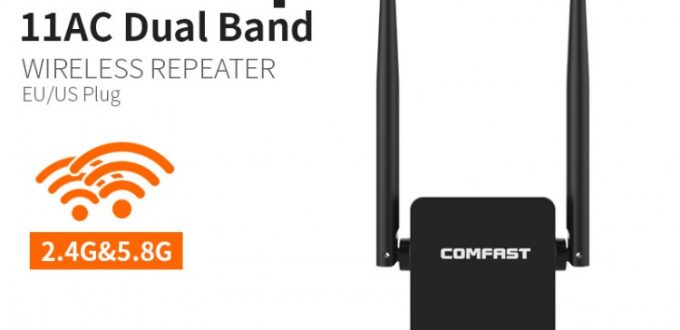
With the unit powered On, use a paperclip & press or hold the reset button for about 10 seconds. When you see LED light to turn red, it means the device is rebooting. Now wait for about 30 seconds to access Comfast Cf-wr750ac extender again.
Comfast Cf-wr750ac Reset/setup/manual pdf (Soft Reset)
1.Complete the Comfast login and visit the configuration interface of the main page of Comfast Cf-wr750ac
2.Visit the Management page and click on system from the drop-down menu.
3.Next, click Restore to Factory Defaults button.
4.You will get a warning notification to confirm the factory reset. Simply click Ok to continue.
5.Wider signal range coverage & vast access.
6.Easy Setup & Installation
No Comments Yet